The Numbers
Launch Monitors & Home Simulators
The most expensive decision in this whole category, and the one where the hidden cost is the subscription, not the box.
We earn a commission when you buy through our Amazon links, at no extra cost to you. It never changes our rankings — and we'll tell you when the cheaper ball or club is the better buy. How this works.
A launch monitor is the first piece of golf gear that tells you the truth. It replaces “that felt good” with a carry number, a ball speed and a smash factor you can actually work with. But it is also the most expensive decision in this whole category — and the price on the box is only half the story. The annual software subscription is the other half, and almost nobody adds it up for you. We do.
The hidden cost is the subscription, not the box
The number on the shelf tag buys the hardware. It does not always buy the software that makes the hardware useful. Several popular units keep their best data and their simulator courses behind a yearly membership, so the true cost of ownership is the box plus a recurring fee that compounds every year you keep it. Over three seasons that subscription can quietly cost as much as a second monitor. Our full cost-of-ownership breakdown does the arithmetic in line items and three-year totals, and the no-subscription roundup collects the units that never send you a renewal notice.
Radar or camera — the one hardware distinction
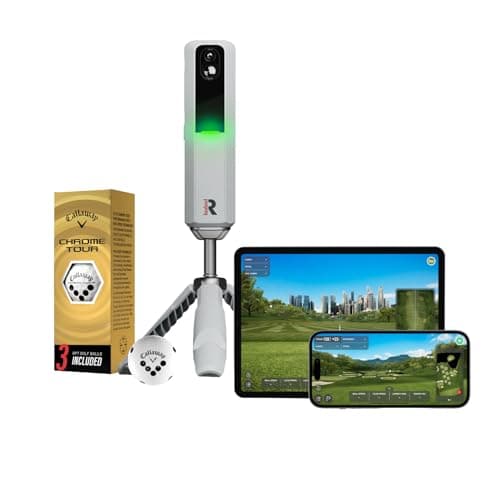
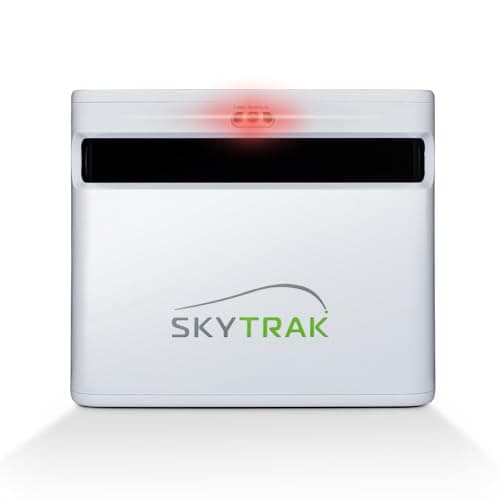
Ignore the spec-sheet arms race for a moment. Monitors read your shot in one of two ways. A radar unit — the Garmin R10, the FlightScope Mevo, the PRGR, the Voice Caddie — tracks the ball in flight with doppler. It is portable, battery-friendly and happy outdoors, but it estimates some numbers, spin especially, rather than measuring them. A camera(photometric) unit reads the ball optically; the Rapsodo MLM2PRO pairs a camera with radar so it can measure spin from the ball’s markings and record video of the strike. Cameras want good light and careful alignment; radar wants a few yards of clear ball flight. Neither is simply better — they trade portability against measured detail, and which one is right depends on whether you value grab-and-go or the last decimal place. Spend into four figures and the camera side gains the club-face numbers a radar in this price class cannot report at all — our SkyTrak+ review covers what that buys and what the membership costs to keep.
What the numbers actually mean
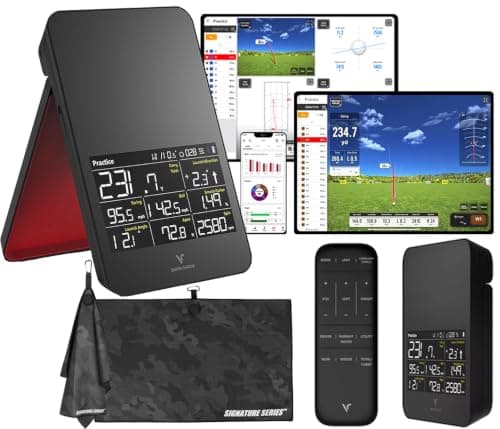
A monitor throws a wall of figures at you, but only a handful change how you practice: ball speed, club speed, smash factor, launch angle, spin and — the one that matters most — carry versus total distance. You do not need all eighteen data points to improve; you need to read the four or five that expose your actual fault. Our launch-monitor data explained guide translates each metric into plain English and tells you which ones to ignore at first.
A home setup is three purchases, not one
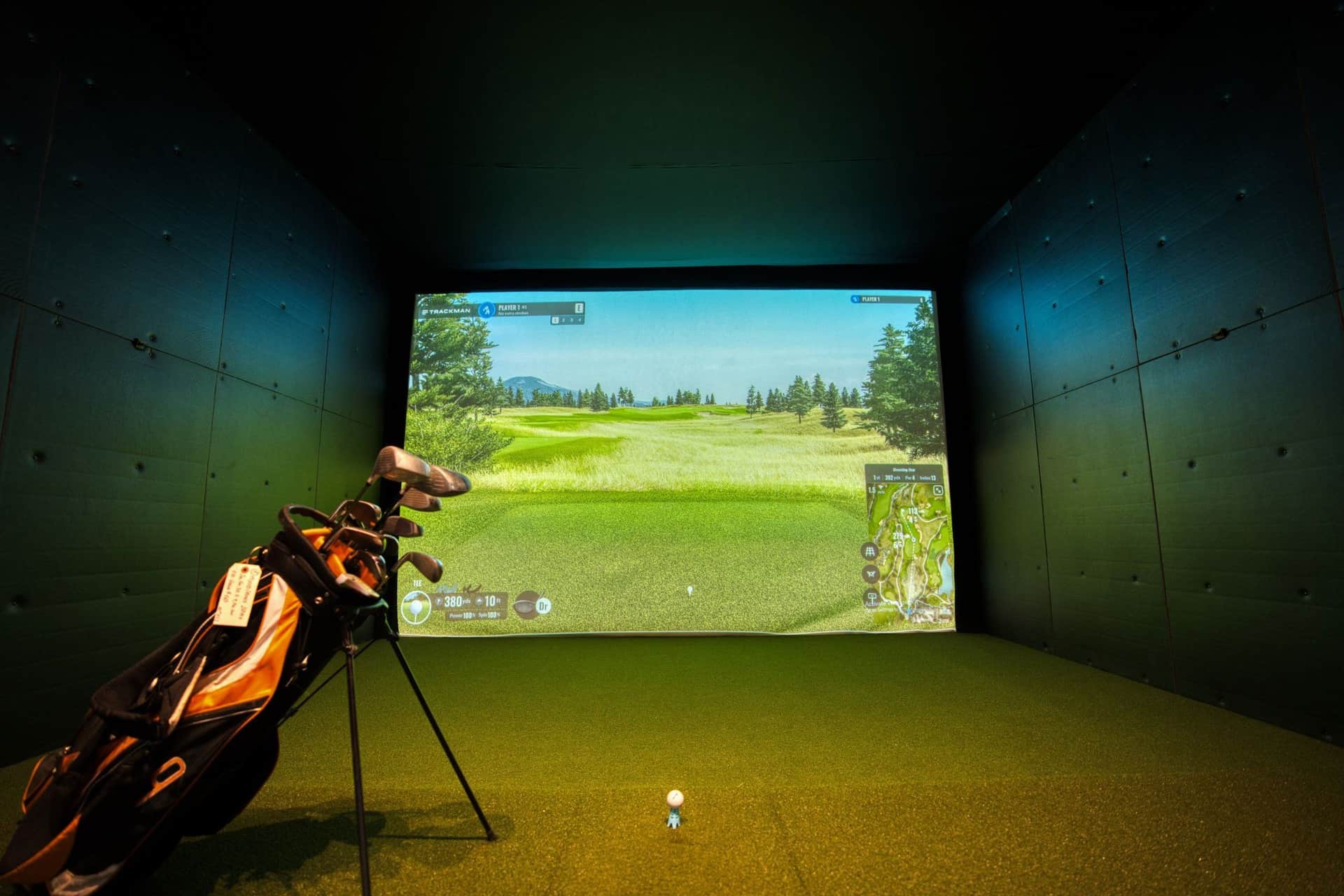
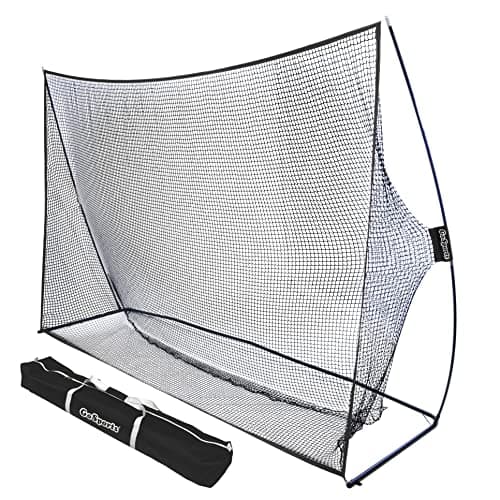
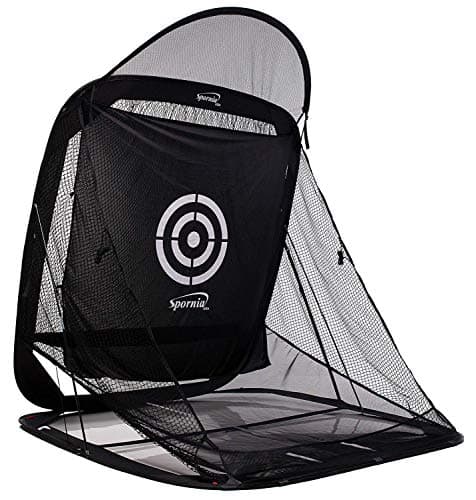
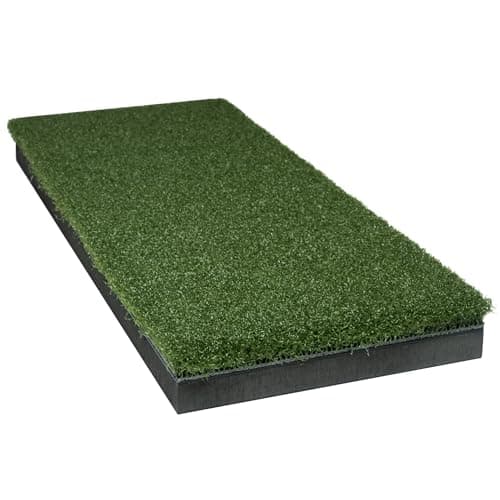
The “golf simulator” you see online is rarely one product. It is a monitor to read the shot, a net to catch the ball, and a mat to hit off — three separate buys before you add a screen or a laptop. Treating it as pieces is the honest way to budget it, and it lets you start small: a speed monitor and a good net is a real practice station for a fraction of the full dream. The home-setup roundupwalks through the pieces and where the money is best spent first, and we review the two that make or break a garage corner on their own — the Spornia SPG-7 net that catches the ball and rolls it back, and the SIGPRO Softy hitting strip that keeps a winter of practice off your wrists. Buying the backstop first? Our best golf practice nets roundup ranks the whole field — budget, auto-return and full cage — on face size, ball return and frame, and explains why the published ball-speed ratings are the least useful number in the category.
Where to start
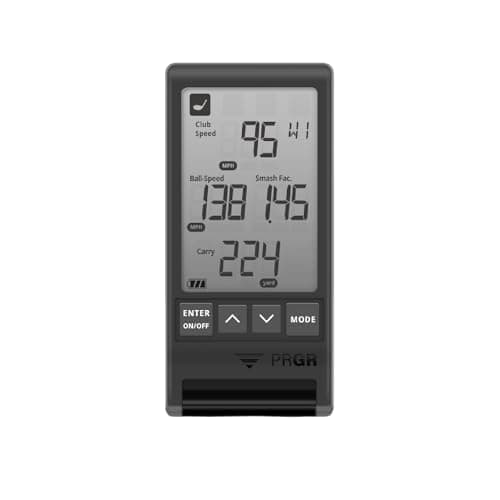
If you want a monitor and a budget, the best under $1,000 roundup is the place to begin. Not sure you need one at all? Read are launch monitors worth it first — it is honest about who benefits and who is better off spending the money on lessons. If you have already narrowed it to the two units everyone compares, the Rapsodo vs Garmin R10 head-to-head and our Garmin R10 review settle it. Leaning toward the camera unit? Our Rapsodo MLM2PRO review and the Rapsodo vs FlightScope Mevo comparison weigh the spin, video and subscription. Cross-shopping two radars? The Garmin R10 vs FlightScope Mevo comparison weighs free-app simplicity against a professional lineage. Only want speed and smash factor, with no app or fee? Our PRGR HS 130-A review covers the pocket speed monitor and PRGR vs Garmin R10 settles it against the full-data radar. Want a deep data set from a pro name? Our FlightScope Mevo review covers the pro-lineage pocket radar. Shopping for a grab-and-go unit rather than a fixed room? Our best portable launch monitors roundup ranks the pocketable, battery-powered units on portability, data and running cost. Want a self-contained monitor that reads your numbers on its own screen with no phone? The Voice Caddie SC4 Pro reviewcovers the standalone all-in-one. And if you’re torn between a full ball-flight radar and a tiny speed-only pocket unit, the FlightScope Mevo vs PRGR HS 130-A comparison settles it. Cross-shopping the two self-contained, no-app budget pockets? The Voice Caddie SC4 Pro vs PRGR HS 130-A comparison weighs a standalone carry-and-speed screen against a pocket speed-only unit. Torn between an app-based radar and a self-contained one? The Garmin R10 vs Voice Caddie SC4 Pro comparison sets the free-app radar against the no-phone all-in-one. And if the real question is how any of these units read your shot in the first place, our photometric vs radar launch monitors guide explains the two sensing technologies in plain English. Choosing between the camera unit and the no-phone all-in-one? The Rapsodo MLM2PRO vs Voice Caddie SC4 Pro comparison sets measured spin and shot video against standalone, subscription-free simplicity. Cross-shopping a pro-lineage pocket radar against that same standalone screen? The FlightScope Mevo vs Voice Caddie SC4 Pro comparison weighs 18 data points and a ball sticker against a no-phone, no-fee unit. And if you’re torn between the cheapest speed-only pocket unit and the camera that measures everything, the PRGR HS 130-A vs Rapsodo MLM2PRO comparison runs the widest gap in the category — a no-fee speed trainer against a subscription camera. Every roundup below names a “skip this” pick, shows a live price, and links to the honest running-cost math nobody else publishes.
Start here
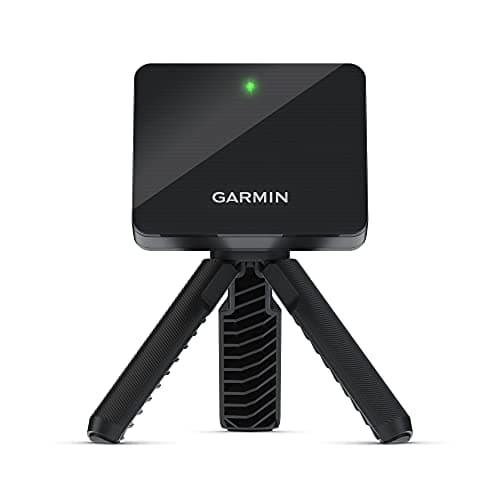
The Best Golf Launch Monitors Under $1,000
The sub-$1,000 monitors ranked on accuracy, data depth and running cost — with the subscription factored in and a 'skip this' pick for speed-only buyers.
Read the guide →
Everything in this hub
All launch monitors guides
Head to head
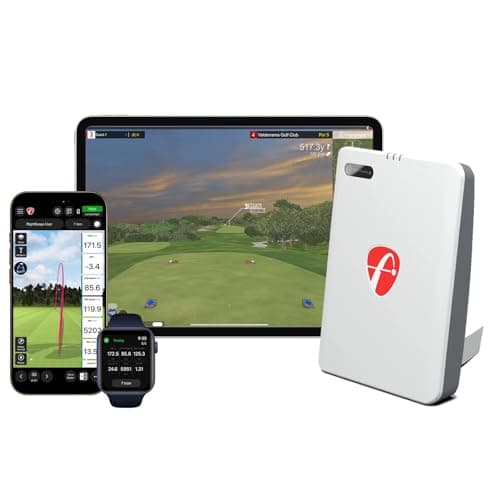
FlightScope Mevo vs Voice Caddie SC4 Pro
Two doppler radars from different angles — a pro-lineage unit with 18 data parameters and a ball sticker against a standalone, no-phone, no-fee screen — with the data-depth and running-cost trades laid out plainly.
Top pick · FlightScope Mevo (Gen2)
Model review
Spornia SPG-7 Golf Practice Net Review
An honest, spec-based look at the Spornia SPG-7 — the automatic ball-return that turns a net into a practice station, the tool-free pop-up frame, and the honest limits of any net — with a clear verdict on who should buy it.
Top pick · Spornia SPG-7 Golf Practice Net
Model review
SIGPRO Softy Hitting Strip Review
An honest, spec-based look at the SIGPRO Softy — the cushioned, joint-friendly base, the Teeline turf that takes a real tee, and the footprint-versus-stance trade of a strip — with a clear verdict on who should buy it.
Top pick · SIGPRO Softy Hitting Strip